Your iPhone can feel “slow” or die early even when everything else is fine, and the most common reason is the battery aging over time. That is why iphone battery health matters, especially if you are buying used, planning to keep your phone longer, or noticing sudden shutdowns.
In this guide, I will break down what battery health really means for iphone, how to check it correctly, what numbers are normal, and when a battery replacement is worth it. Everything is written in a practical way you can follow in minutes.
iPhone Battery Health: What It Means and How to Check It Properly
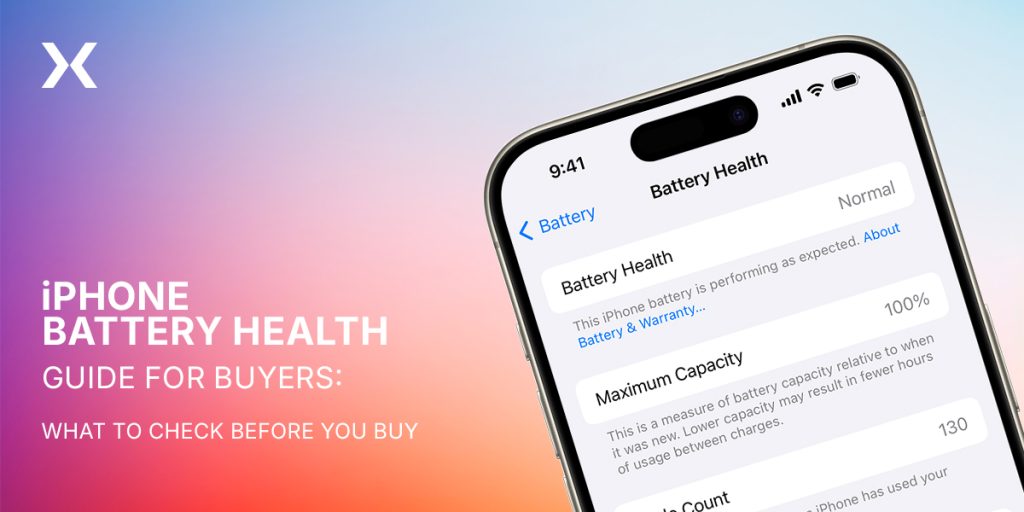
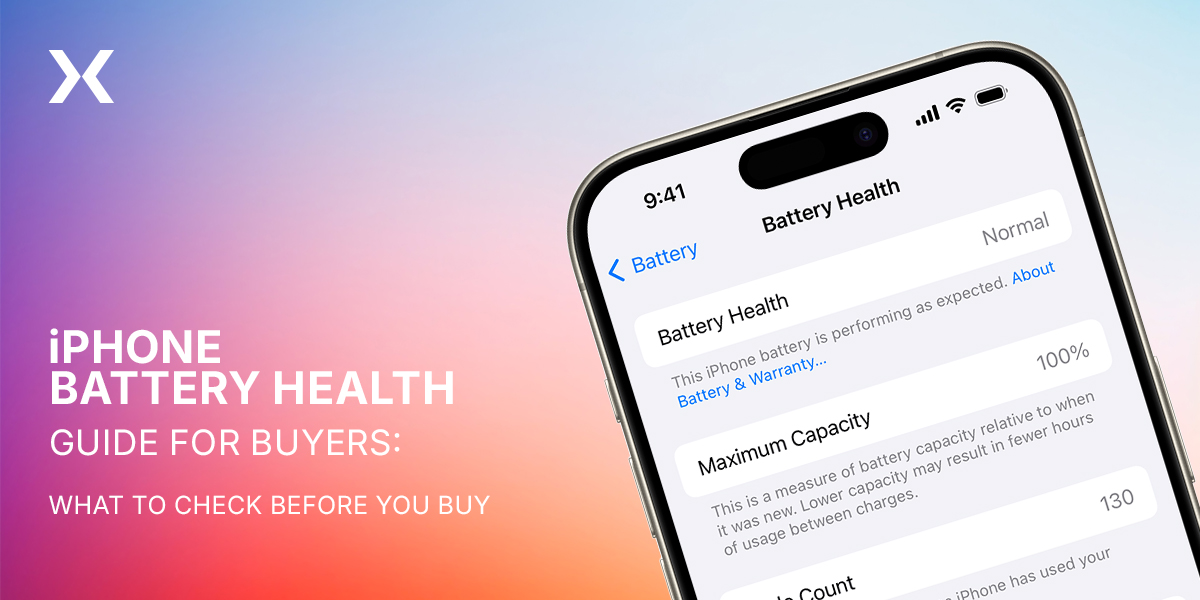
When people talk about iphone battery health, they usually mean “Maximum Capacity” shown in iOS. This is an estimate of how much charge your battery can hold compared to when it was new.
- 100% means the battery still holds about the same charge as day one
- 90% means it holds less, so you may notice shorter screen time
- 80% and below often means the battery is significantly worn
Battery health naturally goes down with charging cycles, heat, and time. It is normal, and it happens to every iPhone.
How to Check Battery Health of Your iPhone the Right Way
To check battery health on your device:
- Open Settings
- Tap Battery
- Tap Battery Health & Charging
- Check:
- Maximum Capacity
- Peak Performance Capability
- Optimized Battery Charging (on or off)
If you are buying a used phone, check this page yourself. Do not rely on screenshots only.
What is a good battery health percentage for an iPhone?
A good iphone battery health number depends on how old the phone is and how it was used, but these ranges are practical for real buyers:
- 95–100%: Excellent, usually newer or lightly used
- 90–94%: Still strong for daily use
- 85–89%: Fine for many people, but you may need a top-up charge in the day
- 80–84%: Expect noticeable drop, consider replacement if you want full-day comfort
- Below 80%: Replacement is often the best fix for performance and battery life
Apple commonly considers batteries “consumed” around 80% capacity, which is why many users start feeling problems around that point.
Peak Performance Capability and performance throttling
This is where iphone battery health affects speed. In the same Battery Health screen, iOS may show a message about performance management.
What it means:
- If your battery cannot deliver enough peak power, the iPhone may reduce performance to prevent shutdowns.
- If you see unexpected shutdown messages, your battery is usually the main suspect.
If your iPhone feels laggy, do not assume it is “storage” or “updates” first. Check iphone battery health and Peak Performance messages.
Signs your battery health is dropping fast
Even if the percentage still looks okay, these signs matter:
- Battery drops quickly from 20% to 1%
- Phone gets hot during basic use
- Random shutdowns in cold weather
- Battery “stuck” at a number for long time then drops suddenly
- You must charge multiple times a day
These are practical symptoms that iphone battery health is no longer matching your daily needs.
How to improve iPhone battery health long term
You cannot stop aging completely, but you can slow it down. These habits support better iphone battery health over months:
- Avoid heat
Heat is one of the fastest ways to reduce battery capacity. Do not leave the phone in a hot car or under direct sun. - Use Optimized Battery Charging
Keep it enabled to reduce time spent at 100%. - Do not drain to 0% every day
Frequent deep drains can wear the battery faster. - Charge in smaller top-ups when possible
It is fine to plug in at 30–40% and unplug around 80–90% sometimes. - Use good chargers and cables
Cheap chargers can cause heat and unstable charging. - Update iOS
Some updates improve battery management and reduce background drain.
These do not increase battery health, but they help maintain it better.
Buying a used iPhone: what battery health should you accept?
For used iPhones, battery health should always influence the price.
A simple rule:
- 90%+ is usually worth paying extra for
- 85–89% is okay if the price is fair
- 80–84% should come with a discount because you may replace soon
- Below 80% should be cheaper, unless the seller replaces the battery before delivery
Also confirm whether the battery was replaced and whether iOS shows a battery-related “Important Message.” For buyers, this is just as important as the percentage.
When should you replace the battery?
Consider replacing when:
- Maximum Capacity is 80% or lower
- The phone shuts down randomly
- Your daily screen time feels cut in half
- Performance feels unstable and Peak Performance messages appear
If you love your iPhone and everything else is fine, battery replacement is often the most cost-effective upgrade. It directly improves real-world usability and stabilizes for battery health related issues.
iphone battery health is one of the easiest ways to judge how an iPhone will perform day to day. Check the Battery Health screen, understand what the numbers mean, and use simple habits to slow future wear. If your phone is below 80% or showing shutdown warnings, a battery replacement can bring it back to life.
FAQs
1) What is iPhone battery health?
It is the maximum capacity estimate showing how much charge your battery holds compared to when new.
2) What percentage is considered good?
For most users, 90% or higher is strong. 85–89% is okay. Below 80% often needs replacement.
3) How do I check iPhone battery health?
Settings → Battery → Battery Health & Charging → check Maximum Capacity.
4) Does battery health affect performance?
Yes. Lower health can trigger performance management to prevent unexpected shutdowns.
5) Is 80% battery health bad?
It is the common threshold where many users notice shorter battery life and consider replacement.
6) Can I increase iPhone battery health back up?
No. You can only slow further aging. Replacement restores capacity.
7) Why is my battery health dropping fast?
Heat, heavy gaming, frequent fast charging, and deep drains can accelerate wear.
8) Should I buy a used iPhone with 82% battery health?
Only if the price is discounted enough or the seller includes a battery replacement option