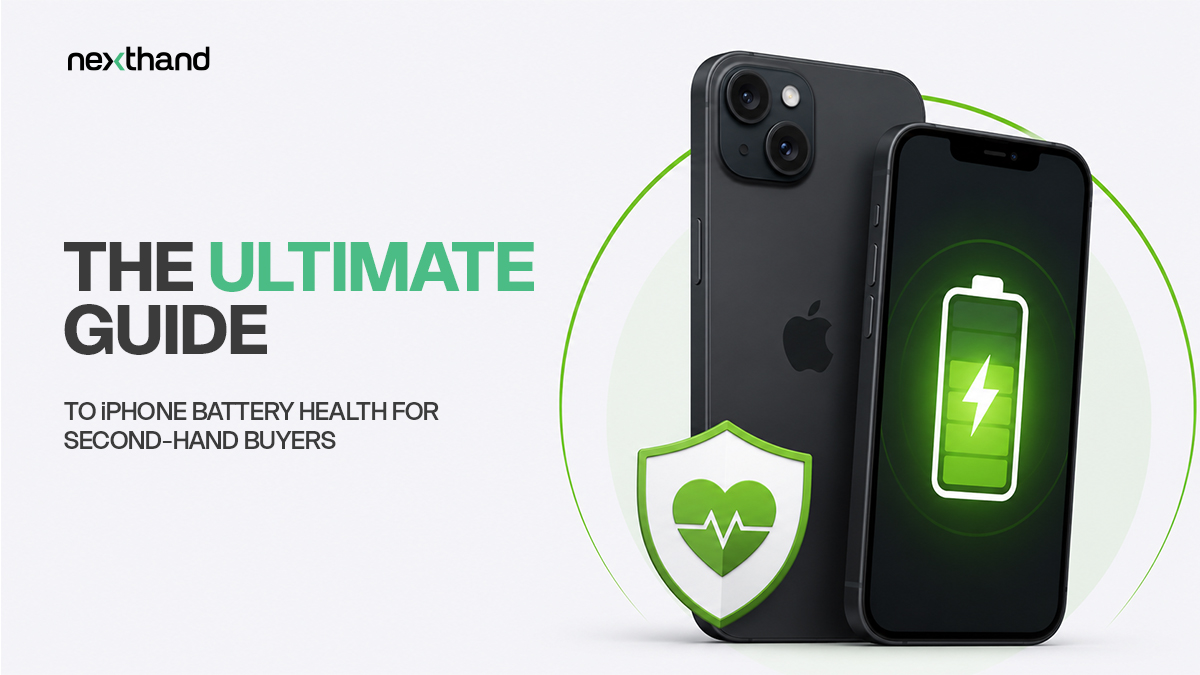
Purchasing a pre-owned Apple device is an excellent way to secure premium hardware at a massive discount. While iPhones are built to last for years, you must check the internal power source before finalizing your purchase. Understanding used iphone battery health is the absolute key to ensuring your new device lasts through a full day of heavy usage. This guide explains how to read battery metrics, spot fake replacements, and buy safely.
Decoding Maximum Capacity
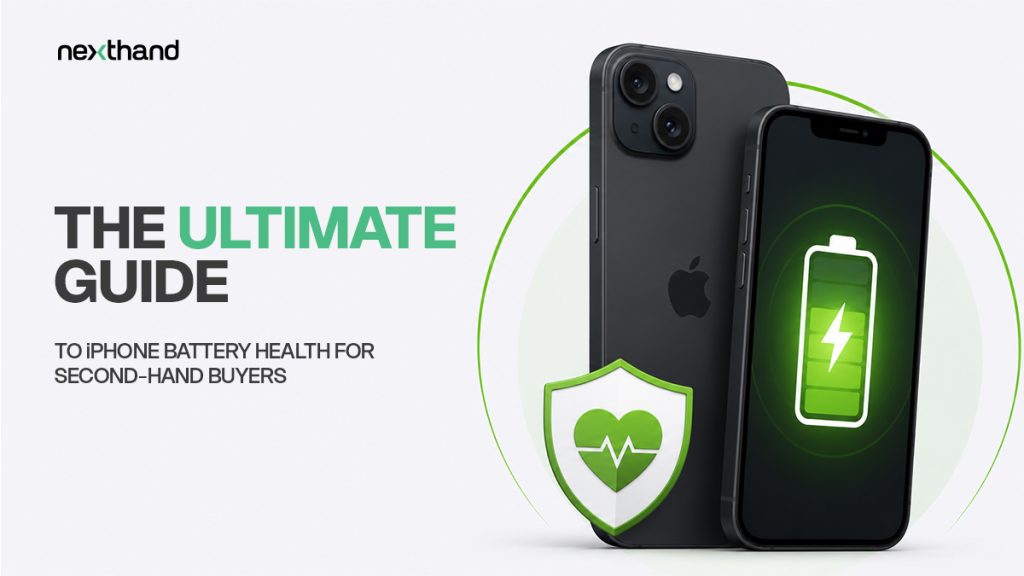
Apple allows you to check used iphone battery health directly in the iOS settings. Go to Settings > Battery > Battery Health and Charging. Here, you will see a percentage labeled Maximum Capacity. This number reflects the battery’s ability to hold a charge relative to when it was brand new.
As seen in the image above, the Maximum Capacity percentage tells you exactly how much the lithium-ion battery has chemically degraded over time. A brand-new iPhone shows 100%. For a second-hand buyer looking at a device that is one or two years old, anything above 85% is considered excellent.
Battery Percentage Guidelines
| Battery Percentage | Condition Assessment | Daily Usage Recommendation |
| 90% to 100% | Excellent Condition | Functions like new. Buy with absolute confidence. |
| 83% to 89% | Good Condition | Perfect for a device that is 2 to 3 years old. |
| 80% to 82% | Fair Condition | Will need charging by evening. Factor a replacement into the price. |
| Below 80% | Degraded Condition | May shut down randomly. Requires immediate battery replacement. |
Spotting Dangerous Third-Party Batteries
When browsing platforms like NextHand, transparency is vital. Some previous owners try to increase a phone’s resale value by installing cheap, unauthorized third-party batteries.
If an unverified repair shop replaced the battery, modern iPhones will detect it. iOS will display an “Unknown Part” warning message right in the battery settings menu, and the Maximum Capacity percentage will be completely hidden. It is always a much better choice to buy an iPhone with an original, verified battery sitting at 85% health than a phone with a third-party replacement claiming to be at 100%. Always prioritize devices that provide clear, verifiable battery data.
Frequently Asked Questions
Q: What is a good used iphone battery health percentage to look for?
Look for a percentage between 85% and 100% to ensure the phone delivers reliable, all-day performance without sudden shutdowns.
Q: How do I check the battery health on a pre-owned iPhone?
Open the Settings app, tap on the Battery section, and select Battery Health and Charging to view the Maximum Capacity percentage.
Q: What does “Unknown Part” mean in iPhone battery settings?
It means the device has an unauthorized, unverified third-party battery replacement installed by an unofficial repair shop.
Q: Can a used iPhone with 82% battery health last a full day?
No, it will likely need a top-up charge by the afternoon or early evening under normal daily usage.
Q: Where can I buy a second-hand iPhone with verified battery health in Dhaka?
You can securely browse and buy pre-owned iPhones with transparent hardware histories directly on the NextHand platform.
Q: Why is an original 85% battery better than a non-Apple 100% battery?
Original Apple batteries provide stable power delivery, accurate software tracking, and better safety standards than cheap, unverified replacements.
Q: How does NextHand help buyers verify used iPhone battery stats?
NextHand encourages local sellers to provide transparent listings and authentic device details, allowing you to check hardware stats safely before buying.